Project Bikelife on Mobile and Console
Same physics. Different buttons. The overlay still wins.
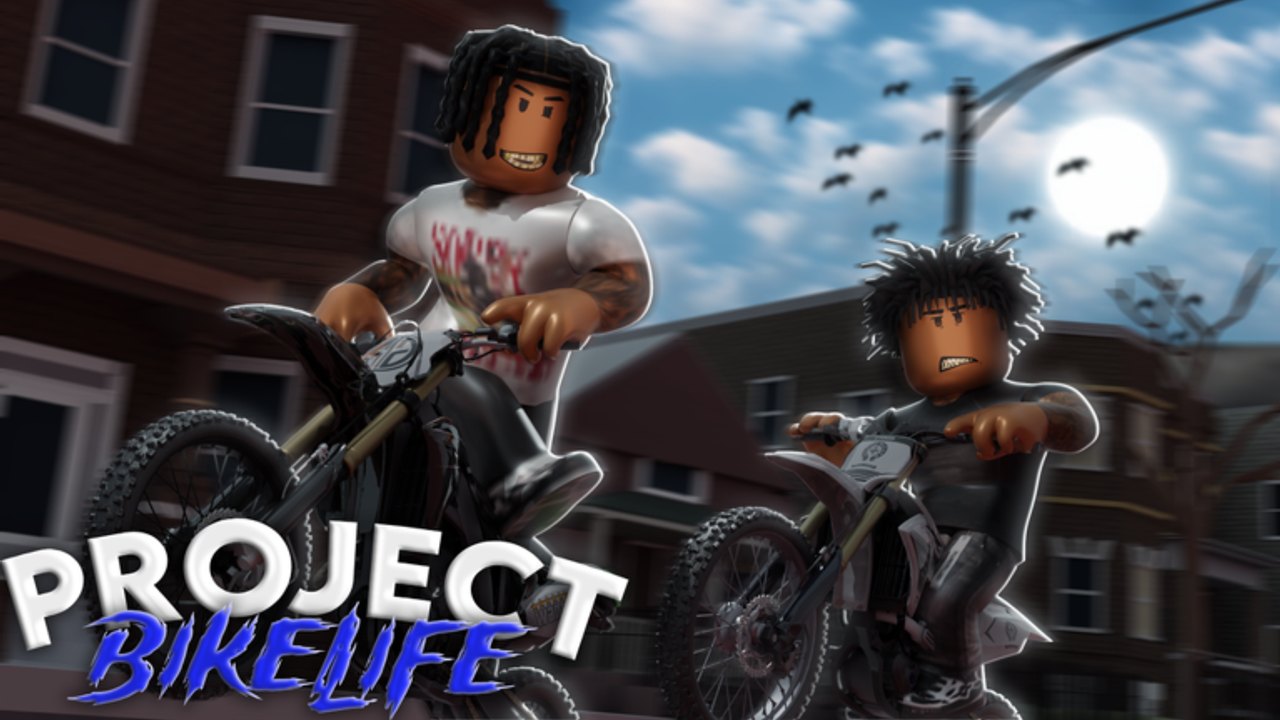
Roblox lists Project Bikelife across Windows, macOS, iOS, Android, Xbox, PlayStation, and Quest. The experience does not carry a “not for mobile” stamp the way some cousin bikelife titles do. That does not mean a phone is the best teacher. It means the physics are the same and the HUD moves. This page is how to spawn on a touch screen or a pad without importing BikeLife Society or Project Wheelie binds. Confirm controls first, then throttle and brake, then a short wheelie.
What is the same on every device
- Universe 10411998017, place 140175932233171. If those numbers fail, you are on a copycat.
- The learning curve: throttle, brake, speed, balance.
- Cash from riding miles and jobs, not from a live codes box.
- Early-development map holes. Phone or TV, a void is still a void — see the map guide.
What changes is the finger or thumb that hits the overlay. Do not memorize a YouTube keyboard and hunt for those letters on a touch HUD.
Phone and tablet
Sit on the bike. Wait for the vehicle layer. Read every label once. Typical Roblox vehicle UIs put drive on a stick or a slide, and stunts on extra buttons. Yours may not match last week’s clip. Early development moves labels.
Throttle. Treat it like a twist grip, not a turbo. A full-finger mash is the mobile version of holding W forever. Edge of the thumb, small travel, then smaller. If the front never lifts, you are probably too slow and mashing the wrong extra button. If you loop, you were already too fast.
Brake. A tap drops the nose in a hold. A mash stands you into a reset. Stopping before a void is a skill, not a coward move.
Wheelie. One dedicated control. It is not “all the buttons.” After a lift, steer the hold with throttle and brake, not with a second mash on the wheelie button.
Camera. Pinch or a look stick until you see horizon and road together. Looking at the fender is how phone riders eat walls.
Jobs and menus. If a codes or shop panel is tiny, rotate to landscape, or finish the session on PC. We will not invent a phone app name from another game. If you cannot find a redeem field, the codes hub is still empty anyway.
Play on Wi-Fi the first night. Cellular hitch during a hold feels like a physics bug. It is lag. The first-session checklist still applies: official place, group, overlay, then a two-count hold.
Console
After you sit, watch the prompt. Roblox’s generic character layer and the bike layer disagree more often on pads than on keyboards. Note:
- Drive / brake / camera on sticks.
- Wheelie on a face button or D-pad — whatever the overlay prints.
- Tricks only after a hold exists. Do not map a cousin game’s Z/X/C onto this pad.
If a friend says “it’s Circle,” they might be on Bikelife Miami 2. This wiki will not stamp that here. Read the prompt, then run the throttle and brake drill on a learner from the dealership.
Trigger travel is long. Feather, do not floor. Flooring RT/R2 is the pad version of a keyboard mash.
PC is still the easier classroom
If you own a keyboard, learn the hold there, then bring the same timing to a phone. The getting started video is a PC-looking session of Ace’s build — use it for pace, not for a bind bible. Mobile players can still watch it to see how small the inputs are.
If the phone UI covers the road, lower UI scale if the experience offers it, or switch to a controller on the same Roblox account. The garage, game passes, and trading follow the account, not the glass.
What not to install
Touch “auto wheelie” APKs, overlay injectors, and copy-paste loaders from Discord are the same script problem with a worse storefront. They will not feather your thumb for you. They will risk the account. Read script safety.
A fifteen-minute mobile drill
- Spawn on the official place. Landscape. Sit. Read the overlay out loud.
- Five minutes of rolls and stops. No lift.
- Five minutes of two-count holds on a boring straight. Recover on purpose.
- Five minutes of one swerve after a recover, then park.
If you loop twice, the practice planner still works — shrink the hold block. A phone is not an excuse to skip recover.
When the overlay is boring, you are ready for combos or a job. Until then, this device page is just the same four skills the listing already named.
Frequently Asked Questions
Quick answers for new riders and returning players.
Is Project Bikelife playable on mobile?
Roblox lists phones and tablets. Physics match PC. The HUD moves — always read the overlay after you sit on the bike.
What is the mobile wheelie button?
Whatever the live overlay prints. We do not copy another bikelife title’s touch layout onto this page.
Should I learn on phone or PC?
PC is the easier classroom. If you only have a phone, use landscape, small throttle, and the same two-count drill.
Do console binds match Miami 2?
No. Those are a different place. Wait for this game’s prompt after you sit.